


OpenAI Launches Dots: The AI Agent That Keeps Working After You Leave

OpenAI has introduced Dots, a persistent AI agent designed to take on complex work and continue making progress in the background. Announced on September 29, 2026, at DevDay, Dots is presented as a move beyond the familiar chatbot pattern: instead of waiting for a user to start every task, a Dot can receive a goal, use connected tools, monitor changing information, and return with work ready for review. 1
The product runs on GPT-6 Astra and gives each agent its own cloud computer and browser. OpenAI says Dots can connect to more than 4,000 applications through its plugin ecosystem. Users can reach the same Dot through ChatGPT, Slack, and Microsoft Teams, with texting and voice access described as upcoming options. 1 2

From prompts to delegated responsibility
Most AI assistants still depend on a repeated loop: open a chat, provide context, request an output, inspect it, and begin again when something changes. Dots is built around a different loop. A person establishes an objective, supplies preferences and boundaries, and lets the agent handle intermediate steps across several projects.
OpenAI’s examples are deliberately practical. A developer’s Dot can watch customer feedback, identify recurring bugs, build and test smaller fixes, and prepare pull requests with videos showing the changes. A product team’s Dot can revise launch materials when the scope changes. A research Dot can rerun analysis as new data arrives, update figures, and flag conclusions that need human attention. A sales Dot can compare an enterprise customer’s requirements with product documentation, prepare a proof of concept, and keep a proposal current. 1
CBS News showed a shorter version of that promise in its launch coverage: Dots edited a website after a user requested a photo change, and revised the order of a board-meeting presentation. The report also described scheduling meetings, booking travel, budgeting, debugging systems, and writing code as potential uses. 2 3
The point is not that every action happens without oversight. The point is that the agent can carry the thread of a project while its human partner is in another meeting, working on a different feature, or offline.
ChatGPT, Slack, Teams, and shared work
Dots are meant to follow the user across the places where work already happens. A person can begin a project in ChatGPT, share context with colleagues in Slack, and ask the same agent to continue in Teams. OpenAI says the Dot carries context across those channels, so the interaction does not have to restart every time the communication surface changes. 1
OpenAI also introduced ChatGPT Space at DevDay. Space is designed as a shared home where teammates, ChatGPT, and Dots can work with common files, Pages, presentations, spreadsheets, and connected tools. VentureBeat described this as a shift from isolated assistant chats toward persistent team work, where an agent can keep a project page updated as information changes. 4
That shared context could be useful for recurring work. A team might ask a Dot to collect action items from Slack and calendars, keep owners and deadlines current, or prepare a weekly update. The value depends on the quality of the source data and the clarity of the instructions. A shared page that quietly changes in the background also needs visible history, ownership, and review rules.
The control problem
A persistent agent has more room to help, but it also has more opportunities to misunderstand. OpenAI says each Dot works inside its own cloud environment, separated from a user’s computer unless the user chooses to connect it. The company describes sandboxing, app permissions, activity monitoring, and protections against malicious instructions in webpages, emails, and documents. 5
The product includes an Activity View so users can follow ongoing work, add context, redirect a task, or stop it. Custom Rules can state that a Dot should never send email, always request approval before an action, or use a defined style when preparing documents. A separate Auto-review system checks planned actions against the user’s instructions, custom rules, and safety requirements before a Dot changes files or sends messages. 5
OpenAI says purchases made with a saved merchant card require approval. Deleting data, installing software from an unknown source, or granting new security-sensitive access also requires confirmation. Password changes and transfers between financial accounts are handed back to the user. These boundaries are important because a useful agent must distinguish between preparing an action and taking an action with lasting consequences. 5
OpenAI also acknowledges that Dots can make mistakes. That admission should shape how organizations deploy them. Early use is better suited to tasks with clear outputs, reversible steps, and a human review point than to unrestricted control of critical systems.
A product aimed at professional work
OpenAI is rolling Dots out to Pro and Business Premium users in eligible markets, with Enterprise, Edu, and Healthcare users able to try a beta when an administrator enables it. The company also previewed specialist Dots with their own identities, access-management support, and deeper connections to organizational systems. 1 6
The business focus is visible in the examples. Dots are framed less as a consumer companion and more as a digital coworker for software maintenance, project coordination, research, sales engineering, and content operations. The competition is also moving in this direction. The Guardian reported that Dots arrived weeks after Meta introduced Muse, a more consumer-oriented agent, placing OpenAI’s launch inside a broader race to make AI systems act on a user’s behalf. 7
The commercial test will not be whether a Dot can produce an impressive demo. It will be whether it completes useful work reliably, knows when to pause, makes its actions legible, and costs less than the time it saves. Companies will also need clear answers about permissions, data retention, audit trails, and who is accountable when an agent follows an ambiguous instruction.
What to watch next
Dots changes the unit of interaction from a single answer to an ongoing assignment. That can make AI more useful for work that unfolds over hours or days, especially when the task involves multiple applications and repeated updates.
It also raises a sharper question about the role of the human. The user is no longer only asking for a draft. The user is setting a target, defining acceptable behavior, and reviewing decisions made along the way. That calls for better task design: narrow permissions, explicit success criteria, checkpoints, and a simple way to stop the agent.
The launch video and OpenAI’s DevDay keynote are useful references for the product’s intended experience. CBS News provides a separate five-minute demonstration and transcript that shows the kind of website and presentation edits OpenAI wants viewers to imagine. 3 8 9
Closing Thoughts
Dots is most interesting when it is treated as a supervised work partner rather than a magical replacement for judgment. The strongest use case is not asking an agent to “do everything.” It is giving it a defined area of responsibility where it can gather information, perform routine steps, and return clear evidence of what it changed.
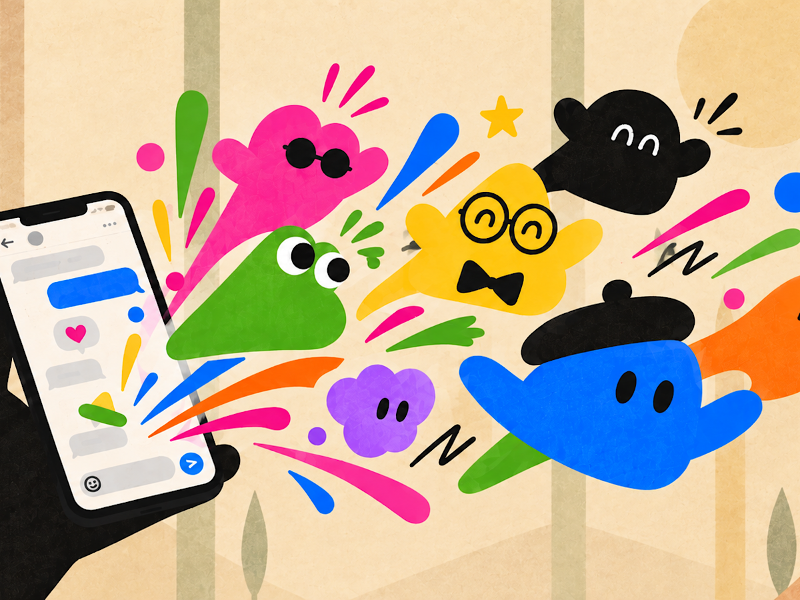
The product’s friendly visual identity may make autonomous software feel approachable, but appearance should not replace accountability. A Dot should earn trust through visible progress, precise permissions, useful logs, and a reliable habit of asking before it crosses an important boundary.
How does this play out in reality?
A small product team could connect a Dot to its issue tracker, feedback inbox, documentation, and Slack. The team might instruct it to group recurring reports each morning, identify low-risk fixes, run tests, draft a pull request, and post a summary for review. The humans still decide what ships. The Dot handles the repetitive coordination that often gets postponed.
A marketing team could use a similar process for a launch. When the product page changes, the Dot could check related copy, update a campaign brief, identify inconsistent claims, and prepare revisions. Each action would need a defined approval rule, especially when external messages, pricing, or customer data are involved.
The less structured the work, the more valuable human checkpoints become. Dots may keep moving, but speed is not the same as correctness.
Why does this make a difference?
Dots could reduce the amount of time people spend moving information between tools, rebuilding context, and repeating small operational tasks. If the system works as promised, a person can remain focused on decisions, relationships, design, research questions, or difficult technical problems while the agent maintains the surrounding workflow.
The difference is also organizational. When an agent can work inside ChatGPT, Slack, Teams, and connected applications, AI becomes part of the flow of work instead of a separate destination. That creates an opportunity for more continuity, but it also makes governance part of everyday productivity. The organizations that benefit most will be the ones that pair delegation with careful access control and human responsibility.
References
Comments